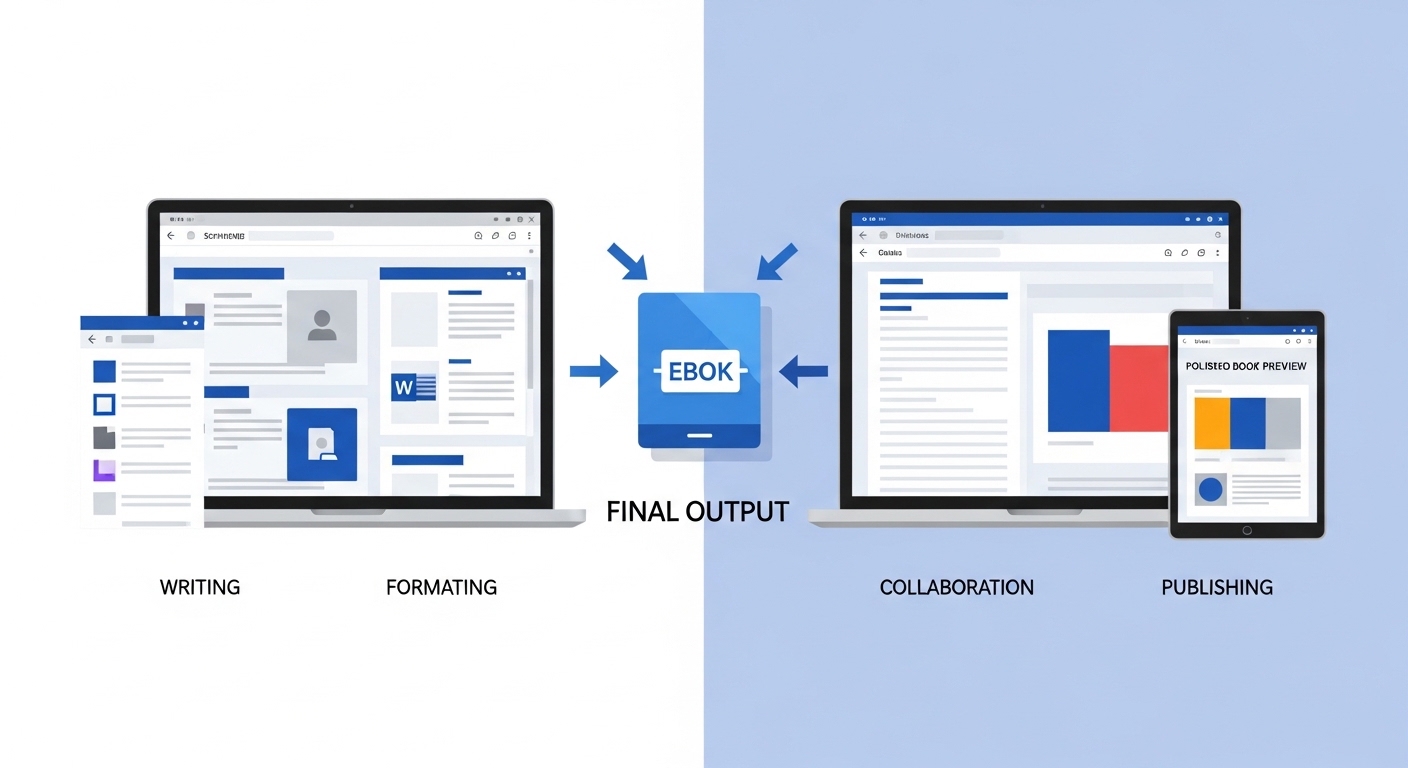
Writing an eBook is as much about choosing the right software as it is about creativity. The tool you use shapes how you organize ideas, maintain focus, collaborate with editors, and ultimately prepare your manuscript for publishing. With so many options available—from minimalist writing apps to feature-rich authoring platforms—it’s easy to feel stuck before you even begin.
This detailed comparison breaks down the best writing software for eBook creation, helping you understand not just what each tool does, but how it fits into your writing workflow. Whether you’re drafting your first book or refining your publishing process, the right choice can dramatically improve both productivity and output quality.
What Makes Writing Software Ideal for eBooks?
Not all writing tools are built for long-form content. Some are excellent for quick notes or blog posts but struggle when handling a 50,000-word manuscript. When evaluating software for eBook writing, several key factors come into play.
A strong writing tool should support organization, flexibility, and scalability. As your manuscript grows, you need the ability to manage chapters, rearrange sections, and keep research in one place. Tools designed for authors often include features like drag-and-drop structuring, metadata tagging, and integrated outlining systems.
Another important factor is ease of use. While advanced tools offer powerful features, they can also come with a steep learning curve. For many writers, the best software is the one that balances functionality with simplicity—allowing you to focus on writing instead of constantly adjusting settings.
Collaboration and accessibility also matter. Cloud-based tools allow real-time editing and feedback, which can significantly speed up the revision process. According to recent comparisons, tools like Google Docs excel in collaboration, while others like Scrivener are better suited for deep, structured writing.
Key Features to Look For
| Feature | Why It Matters for eBook Writing |
| Chapter Organization | Keeps long manuscripts structured |
| Export Options | Enables EPUB, PDF, and MOBI formats |
| Distraction-Free Mode | Improves focus during writing sessions |
| Collaboration Tools | Simplifies editing and feedback |
| Cross-Device Access | Allows writing from anywhere |
Scrivener – The Powerhouse for Long-Form Writing
Scrivener is widely regarded as one of the most powerful writing tools for authors working on long-form projects. Its biggest strength lies in its organizational capabilities, which allow writers to break their manuscript into smaller sections such as chapters and scenes.
The binder system acts like a digital filing cabinet, where everything—from drafts to research notes—can be stored and accessed easily. This makes it especially useful for complex eBooks that require detailed structure and planning. Writers can rearrange sections effortlessly, making it easier to experiment with narrative flow.
Another standout feature is its compile function, which converts your manuscript into multiple formats including ePub and PDF. This eliminates the need for separate formatting tools in many cases.
However, Scrivener’s depth can also be its downside. The interface may feel overwhelming for beginners, and mastering its features takes time. Still, for authors who value control and structure, it remains one of the most comprehensive tools available.
Ulysses – Minimalism Meets Productivity
Ulysses takes a completely different approach. Instead of offering a wide array of features, it focuses on simplicity and writing flow. Its clean, distraction-free interface allows writers to concentrate purely on their content without being overwhelmed by options.
Built around Markdown, Ulysses simplifies formatting while keeping your text lightweight and flexible. It also supports exporting to multiple formats, including ePub and PDF, making it suitable for eBook creation workflows.
The app is particularly محبوب among writers who prefer a minimalist writing environment. Its seamless integration across Apple devices ensures that your work is always accessible, whether you’re writing on a laptop, tablet, or phone.
That said, Ulysses lacks advanced structuring tools found in more complex software. If your eBook requires intricate organization or heavy research integration, you may find it somewhat limiting.
Google Docs – The Collaboration Champion
Google Docs remains one of the most accessible and widely used writing tools—and for good reason. It offers a cloud-based writing experience that allows you to work from anywhere while automatically saving your progress.
Its greatest strength lies in real-time collaboration. Editors, co-authors, and proofreaders can leave comments, suggest edits, and track changes instantly. This makes it ideal for writers who rely heavily on feedback during the editing process. (Spines)
Another advantage is its simplicity. There’s virtually no learning curve, making it perfect for beginners. However, when working on large manuscripts, it can become less efficient. Managing long documents and organizing multiple chapters may require workarounds or external tools.
Many professional authors use Google Docs alongside other software—writing drafts in more advanced tools and using Docs for collaboration and editing.
Atticus – All-in-One Writing and Formatting
Atticus is a newer entrant in the writing software space, designed specifically for self-publishing authors. Its standout feature is the ability to combine writing and formatting in one platform, eliminating the need to switch between tools.
Writers can draft their manuscript and instantly apply professional formatting templates, producing publication-ready files. This integration significantly streamlines the eBook creation process. (Laterpress)
The platform is also browser-based, making it accessible across multiple devices and operating systems. Its clean interface and intuitive design make it easy for beginners to get started quickly.
However, Atticus sacrifices some advanced organizational features found in tools like Scrivener. It works best for authors who prioritize simplicity and efficiency over deep structural control.
Side-by-Side Comparison of Top Writing Software
| Feature / Tool | Scrivener | Ulysses | Google Docs | Atticus |
| Best For | Long-form projects | Distraction-free writing | Collaboration | All-in-one writing |
| Organization | Advanced binder system | Basic folders | Limited | Simple chapter structure |
| Collaboration | Limited | Limited | Excellent | Moderate |
| Formatting | Built-in compile | Export-based | Basic | Advanced templates |
| Ease of Use | Moderate | Easy | Very Easy | Easy |
| Platform | Desktop | Apple only | Web-based | Cross-platform |
Which Writing Software Should You Choose?
Choosing the best writing software for your eBook depends on your workflow and priorities. There’s no universal “best” option—only the best fit for your needs.
If your focus is deep organization and control, Scrivener is hard to beat. It’s ideal for complex eBooks, research-heavy content, or fiction with intricate plots.
If you value simplicity and focus, Ulysses provides a clean, distraction-free environment that helps you stay in the creative zone.
For writers who need collaboration and accessibility, Google Docs is the most practical choice. It’s especially useful during editing and feedback stages.
And if you want an all-in-one solution, Atticus offers a streamlined experience that combines writing and formatting in a single platform.
Ultimately, many authors use a combination of tools—leveraging the strengths of each at different stages of the writing process.
Absolutely—here are several well-structured, relevant tables with clear headings that you can directly include in your blog. These are designed to improve readability, SEO value, and help readers quickly compare writing software for eBook creation.
Feature Comparison of Popular eBook Writing Software
| Feature / Tool | Scrivener | Ulysses | Google Docs | Atticus | Dabble |
| Best Use Case | Long-form & complex books | Distraction-free writing | Collaboration & sharing | All-in-one writing + formatting | Story plotting & fiction |
| Organization | Advanced binder system | Basic grouping | Limited folders | Simple chapter layout | Visual plot grid |
| Export Formats | EPUB, PDF, DOCX | EPUB, PDF | DOCX, PDF | EPUB, PDF | DOCX |
| Offline Access | Yes | Yes | Limited | Yes | Yes |
| Collaboration | No | No | Real-time | Limited | Limited |
| Learning Curve | Moderate | Easy | Very Easy | Easy | Easy |
Writing Experience & Productivity Comparison
| Tool | Distraction-Free Mode | Writing Speed Impact | Focus Level | Built-in Goals | Notes & Research |
| Scrivener | Yes | High | High | Yes | Extensive |
| Ulysses | Yes | High | Very High | Yes | Moderate |
| Google Docs | No | Moderate | Medium | No | Basic |
| Atticus | Yes | High | High | Yes | Moderate |
| Dabble | Yes | High | High | Yes | Story-focused |
Formatting & Publishing Readiness
| Tool | Built-in Formatting | Publishing Ready Output | Custom Styling | Preview Feature | Best For |
| Scrivener | Moderate | Yes | High | Yes | Advanced users |
| Ulysses | Basic | Yes | Moderate | Yes | Simple layouts |
| Google Docs | Limited | No | Low | Basic | Drafting only |
| Atticus | Advanced | Yes | High | Yes | Self-publishers |
| Dabble | Limited | No | Low | No | Story writing |
Platform Compatibility & Accessibility
| Tool | Windows | Mac | Web | Mobile | Cloud Sync |
| Scrivener | Yes | Yes | No | Limited | Manual |
| Ulysses | No | Yes | No | Yes | Yes |
| Google Docs | Yes | Yes | Yes | Yes | Yes |
| Atticus | Yes | Yes | Yes | Yes | Yes |
| Dabble | Yes | Yes | Yes | Yes | Yes |
Pricing Overview (General Comparison)
| Tool | Pricing Model | Free Version | One-Time Purchase | Subscription |
| Scrivener | One-time payment | Trial | Yes | No |
| Ulysses | Subscription | No | No | Yes |
| Google Docs | Free | Yes | No | No |
| Atticus | One-time payment | No | Yes | No |
| Dabble | Subscription | Trial | No | Yes |
Best Tool Based on Author Needs
| Author Type | Recommended Tool | Reason |
| Beginner लेखक | Google Docs | Easy to use, no learning curve |
| Professional Author | Scrivener | Advanced structure & control |
| Minimalist Writer | Ulysses | Clean, distraction-free interface |
| Self-Publisher | Atticus | Writing + formatting combined |
| Fiction / Story Writer | Dabble | Plotting and character tools |
Final Thoughts
The journey of writing an eBook is deeply personal, and the tools you choose should support—not hinder—your creative process. Whether you prefer the structured power of Scrivener, the minimalist elegance of Ulysses, the collaborative ease of Google Docs, or the all-in-one efficiency of Atticus, each tool offers unique advantages.
The key is to align your software with your writing style, project complexity, and publishing goals. Once you find the right fit, you’ll spend less time managing tools and more time doing what truly matters—bringing your ideas to life.